Original: $215.00
-65%$215.00
$75.25The Story
OVERVIEW
Battery Powered LED Lamp
-3rd Generation
Now Available with V3 Software! Click Here for Upgrade Info
What's new in V3 software:
- New Color Temp: 4300K.
- 50% 3000K and 50% 5600K giving you a new level of 4300K
- Operating while charging!
- Ability to update V3 lamps
Lengths:
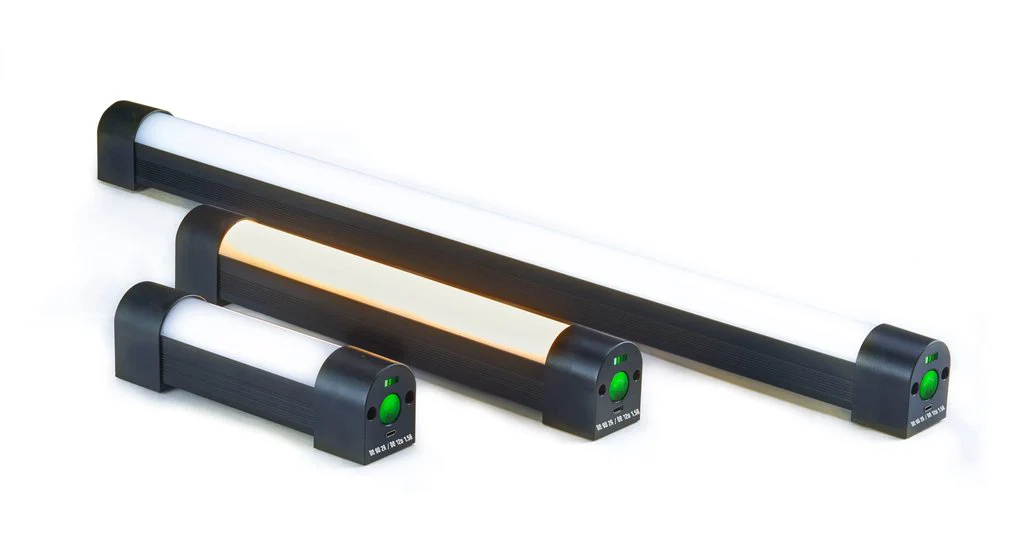
- Q5 - 7" 5 watts - 3,550 mAh LiOn Battery
- Q10 - 12" 10 watt - 6,400 mAh LiOn Battery
- Q20 - 24" 20 watt - 12,800 mAh LiOn Battery
Color Temp: 3000K/4300K/5600K
Press and hold the power button to alternate between color modes.
Dimming Levels: 100%, 75%, 50%, 25%, 10% OFF
A single button press cycles through the dimming levels
Features:
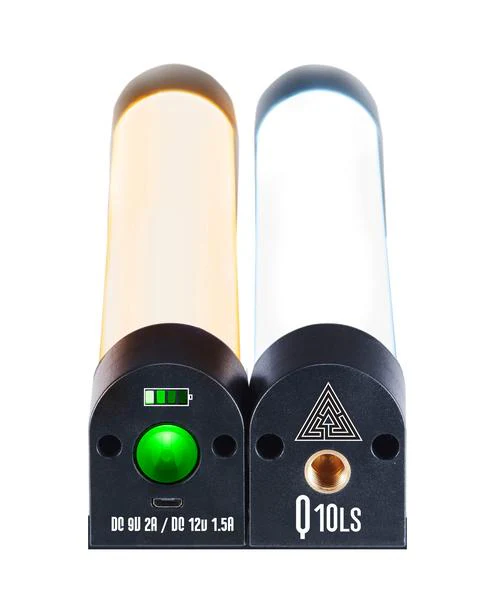
- Magnetic Feet
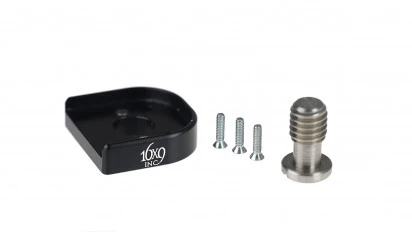
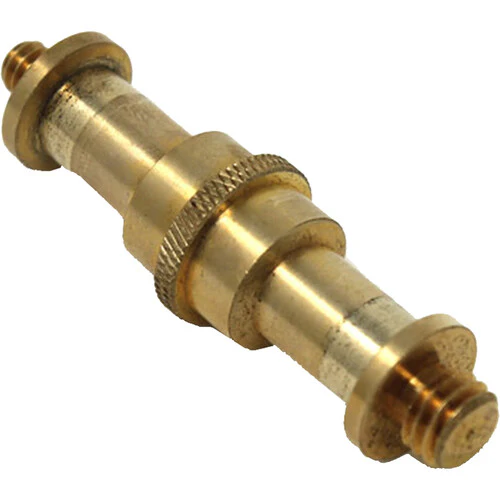
- 3/8" Threaded Receiver (Threaded Pin available here)
- NEW Recessed Power Button (V3)
- Kill switch to disable power button when traveling (V3)
Power:
- Rechargeable Lithium Ion Battery
- Charges from Mirco USB power adapter - V3.0 -9V @2A / 12V 1.5A
- -(Will not charge on standard 5v USB Charger)
- Battery Level Indicator
Runs for about 4 hours at 100%.
Flicker Free
25,000 + Hour Lifetime
Operation:
Press button once to turn on.
Press multiple times to dim.
Press and hold to change from 3000k to 5600k.
To disable the Power Button when traveling, using a pen, press and hold the the KILL button button on the side for 5 seconds.
To enable the Power Button after it has been killed, plug it into your charger.
To Reset the lamp to default settings of 5600k and 100%, press the RST button.
If the Q-Lion LED will charge but will not turn on with a button press, press and hold the kill button for 5 seconds. Then plug back into the QC 3.0 Charger.
Details & Craftsmanship
Every detail has been carefully considered to bring you the perfect product.
Description
OVERVIEW
Battery Powered LED Lamp
-3rd Generation
Now Available with V3 Software! Click Here for Upgrade Info
What's new in V3 software:
- New Color Temp: 4300K.
- 50% 3000K and 50% 5600K giving you a new level of 4300K
- Operating while charging!
- Ability to update V3 lamps
Lengths:
- Q5 - 7" 5 watts - 3,550 mAh LiOn Battery
- Q10 - 12" 10 watt - 6,400 mAh LiOn Battery
- Q20 - 24" 20 watt - 12,800 mAh LiOn Battery
Color Temp: 3000K/4300K/5600K
Press and hold the power button to alternate between color modes.
Dimming Levels: 100%, 75%, 50%, 25%, 10% OFF
A single button press cycles through the dimming levels
Features:
- Magnetic Feet
- 3/8" Threaded Receiver (Threaded Pin available here)
- NEW Recessed Power Button (V3)
- Kill switch to disable power button when traveling (V3)
Power:
- Rechargeable Lithium Ion Battery
- Charges from Mirco USB power adapter - V3.0 -9V @2A / 12V 1.5A
- -(Will not charge on standard 5v USB Charger)
- Battery Level Indicator
Runs for about 4 hours at 100%.
Flicker Free
25,000 + Hour Lifetime
Operation:
Press button once to turn on.
Press multiple times to dim.
Press and hold to change from 3000k to 5600k.
To disable the Power Button when traveling, using a pen, press and hold the the KILL button button on the side for 5 seconds.
To enable the Power Button after it has been killed, plug it into your charger.
To Reset the lamp to default settings of 5600k and 100%, press the RST button.
If the Q-Lion LED will charge but will not turn on with a button press, press and hold the kill button for 5 seconds. Then plug back into the QC 3.0 Charger.